

MCP for Content Creators: How the "USB-C of AI" Lets You Connect All Your Tools Into One Automated Content Workflow
Ctrl+C. Ctrl+V. Ctrl+C. Ctrl+V.
That tiny keyboard shortcut — those twelve keystrokes — is the dirty secret of every "AI-powered" content workflow in existence. You generate text in ChatGPT, copy it, paste it into Google Docs, copy the headline, paste it into Canva, export the graphic, upload it to your CMS, copy the meta description, paste it into your scheduler, and somewhere around the seventh tab switch your brain just... glazes over. You're not creating anymore. You're a human clipboard.
MCP kills the clipboard. And if you haven't heard of it yet — or you've heard of it but assumed it was "a developer thing" — this is the post that changes that.
What Is MCP and Why Should Content Creators Care?
Model Context Protocol. MCP. Three letters that have quietly become the biggest AI infrastructure story of 2026. Over 97 million monthly SDK downloads. Anthropic built it. OpenAI adopted it. Companies like Beehiiv, Elgato, and Canva have started integrating it.
But here's what frustrates me. Genuinely frustrates me. Ninety-nine percent of the coverage reads like it was written for backend engineers. Server endpoints. JSON schemas. Transport layers. The people who would benefit most from MCP — content creators, solopreneurs, digital marketers running lean operations — never even make it past the first paragraph.
So let me translate.
MCP is a universal standard that lets AI assistants like Claude or ChatGPT talk directly to your other tools. Your CMS. Your design app. Your social scheduler. Your analytics dashboard. Not through some janky Zapier chain with fifteen steps and a prayer. Directly. From inside the AI conversation itself.
The "USB-C of AI" analogy gets thrown around a lot, and honestly? It's perfect. Before USB-C, every device had its own proprietary cable. Nightmare drawer full of tangled cords. USB-C said: one port, one standard, everything connects. MCP does the same thing for AI. One protocol. Every tool plugs in.
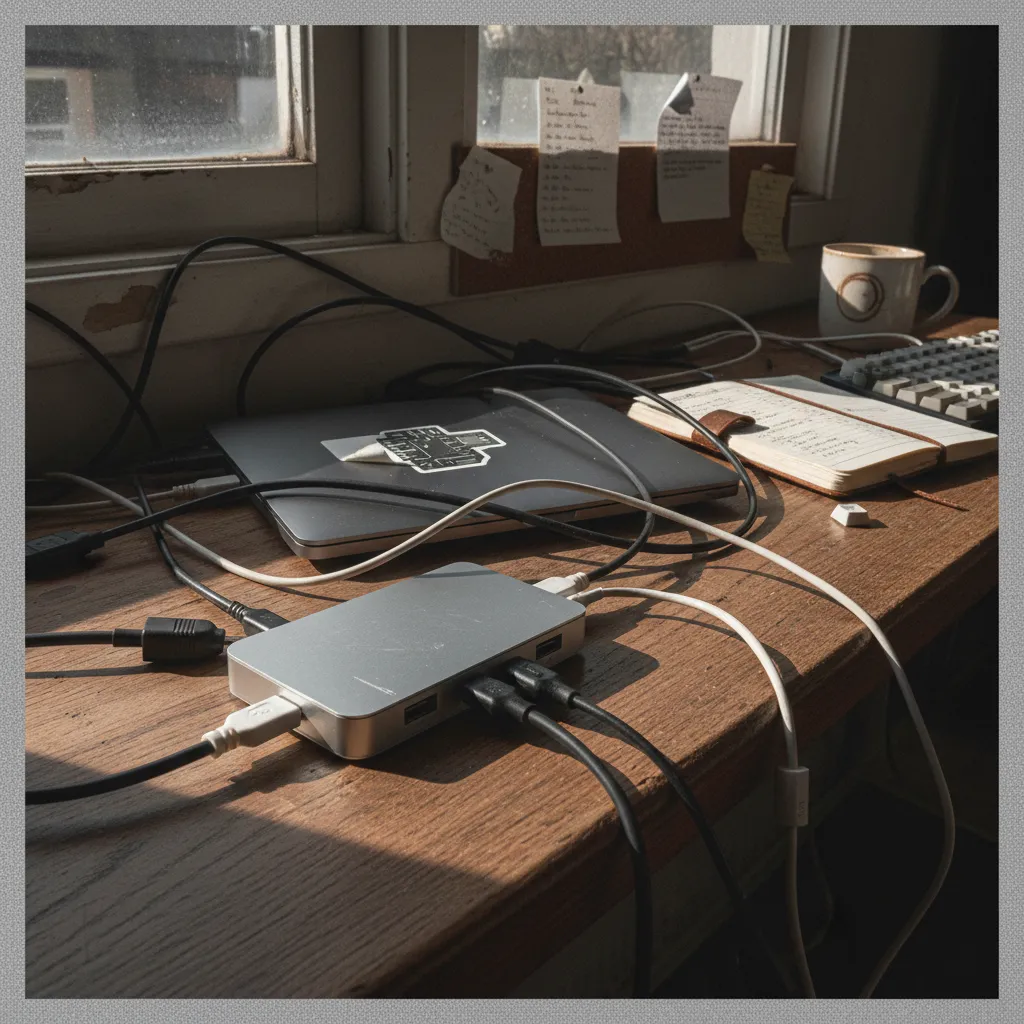
The Copy-Paste Loop Is Costing You More Than Time
Let's zoom out for a second. Strategy altitude.
The average content creator uses somewhere between 6 and 11 tools per piece of content. Research tool. Writing assistant. Image generator. Design platform. CMS. Scheduler. Analytics. Each one is a silo. Each transition between silos is a context switch. And every context switch costs you roughly 23 minutes of refocused attention, according to the University of California research that refuses to stop being relevant.
So when I say MCP eliminates the copy-paste loop, I don't mean it saves you a few keystrokes. I mean it collapses the entire multi-tab, multi-tool, multi-context workflow into a single conversational thread. You stay in one place. The AI reaches out to everything else.
That's not incremental improvement. That's architectural.
How MCP Actually Works (Without the Jargon)
Okay, granular mode. Because the details here are genuinely fascinating.
MCP works on a client-server model. But forget those words immediately. Think of it like this:
- Your AI assistant (Claude, ChatGPT) is the brain.
- MCP servers are hands. Each one gives the brain the ability to reach into a specific tool and do things.
- MCP clients are built into the AI apps you already use. Claude Desktop has one. ChatGPT's desktop app has one. They're already there.
When you install an MCP server — say, one for WordPress — your AI suddenly knows how to create posts, update drafts, add tags, upload images, and publish. All from the chat window. You just tell it what you want in plain English.
No API keys to manage (usually). No code to write. Most servers install in under three minutes.
Three. Minutes.
5 MCP Servers Every Content Creator Should Install
Here's where it gets practical. These are the five MCP servers that will collapse your content workflow from a scattered mess into something that actually feels like the future we were promised.
1. WordPress / Ghost / Webflow CMS Server
Multiple community-built MCP servers exist for the major CMS platforms now. The WordPress one is the most mature. Install it, connect your site, and suddenly Claude can draft a post, format it with proper headings, add your featured image, set categories and tags, and publish — or save as draft if you're not feeling brave.
The workflow change is visceral. You go from "generate text → copy → switch tabs → paste → format → paste again" to "Hey Claude, publish this as a draft on my blog with the SEO title we discussed." Done.
2. Canva MCP Server
This one made me actually gasp when I first tested it. Canva's MCP integration lets your AI create designs using your brand kit, your templates, your fonts. Need a blog header? A carousel for Instagram? An email banner? Describe it in the same conversation where you wrote the content. The AI handles it.
No more exporting. No more uploading. No more "wait, which template was I using?"
3. Buffer / Typefully Social Scheduling Server
Content goes nowhere without distribution. The social scheduling MCP servers let you take the blog post you just created, repurpose it into platform-specific social posts, and schedule them — all without leaving the conversation. Claude can adapt tone for LinkedIn versus Twitter versus Threads. It can spread posts across your calendar. It can even check what's already scheduled to avoid conflicts.
The compounding effect here is unreal. Write once, distribute everywhere, from one thread.
4. Google Analytics / Plausible Analytics Server
Here's where most people don't think to look. Analytics MCP servers let your AI pull performance data about your existing content before you create new content. Which posts are performing? What keywords are driving traffic? What's the bounce rate on your last five articles?
Now your AI isn't just creating in a vacuum. It's creating with context. With data. The strategic implications of this are enormous — your AI becomes less of a writing tool and more of a content strategist that happens to also write.
5. File System / Google Drive Server
Seemingly simple. Ridiculously powerful. The file system MCP server lets your AI read and write files directly on your computer or in your cloud storage. Brand guidelines doc? Your AI reads it before writing. Content calendar spreadsheet? Your AI checks it before suggesting topics. Style guide? Tone of voice document? Competitive analysis you did last quarter?
All of it becomes context. Automatically. Every single time.

What a Connected MCP Content Workflow Actually Looks Like
Let me paint the picture. Because the individual servers are cool, but the combined workflow is where your jaw drops.
Monday morning. You open Claude. One conversation:
"Check my analytics for the top three performing posts this month. Based on those topics, suggest five new blog ideas that align with my content calendar in Google Drive. Pick the best one based on search potential."
Claude pulls your analytics. Reads your content calendar. Cross-references. Suggests topics with reasoning.
You pick one. "Write it. Use my brand voice doc in Drive as the style reference. Aim for 1,400 words. Publish as a draft to WordPress with a proper meta description."
Claude writes. References your actual voice guidelines. Publishes the draft.
"Now create a blog header in Canva using my standard blog template. And repurpose the key points into a LinkedIn post, a Twitter thread, and an Instagram carousel — schedule them across the next three days via Buffer."
Done. One conversation. One tool. What used to take three hours across eight tabs just happened in twenty minutes while you drank your coffee.
That's the MCP content workflow. That's what "connect AI tools together" actually means in practice.
Getting Started: The Non-Developer Setup Path
This is the part where the developer-focused guides lose people. So I'll keep it painfully simple.
Step 1: Install Claude Desktop or ChatGPT Desktop (both support MCP clients natively now).
Step 2: Find MCP servers at the official MCP server registry or community repositories on GitHub. Search for the tool you want to connect.
Step 3: Most servers provide a one-line install command or a simple config file edit. Claude Desktop uses a claude_desktop_config.json file — you paste in the server details, restart the app, and the connection is live.
Step 4: Test with a simple request. "List my recent WordPress drafts" or "Show my top pages from Google Analytics this week."
Step 5: Build up. Add one server at a time. Don't try to connect everything on day one. Let each integration become muscle memory before adding the next.
The whole ethos of MCP for non-developers is that it was designed to be approachable. Anthropic built it as an open standard specifically so the ecosystem could grow beyond engineering teams. And it has. Massively.
The Bigger Picture: Why This Matters for AI Content Workflow Automation in 2026
Zooming all the way out now.
We're at an inflection point. The first wave of AI content tools gave us generation — raw text, raw images, raw ideas. Useful but isolated. The second wave gave us better generation. Smarter models, fewer hallucinations, more nuance.
MCP is the third wave. Connection. Integration. Context.
It's the difference between having a brilliant assistant who sits in a soundproof room and one who can actually see your screen, access your files, talk to your tools, and take action on your behalf. Same intelligence. Radically different utility.
For content creators, this means the competitive advantage shifts. It's no longer about who uses AI to write faster. Everyone does that now. It's about who builds the most connected, most context-rich, most automated workflow around their AI. MCP is the infrastructure that makes that possible.
At Youkla, we've been watching MCP adoption closely because it aligns with something we believe deeply: AI should reduce friction, not add new friction in a shinier package. The tools that win are the ones that disappear into your workflow. MCP is the connective tissue that makes that disappearance possible.
The Takeaway
You don't need to be a developer. You don't need to understand transport protocols or JSON schemas or server architecture. You need to understand one thing: MCP lets your AI actually do things instead of just saying things.
Install one server today. Just one. Connect your CMS, or your analytics, or your file system. Watch what happens when your AI goes from a clever text generator to an actual workflow participant.
Then add another. And another.
The copy-paste loop ends whenever you decide it ends. The infrastructure is ready. Has been for months, actually. The only question is whether you'll be the creator who connects everything — or the one still switching tabs.
Ready to supercharge your content with AI?


